 My Account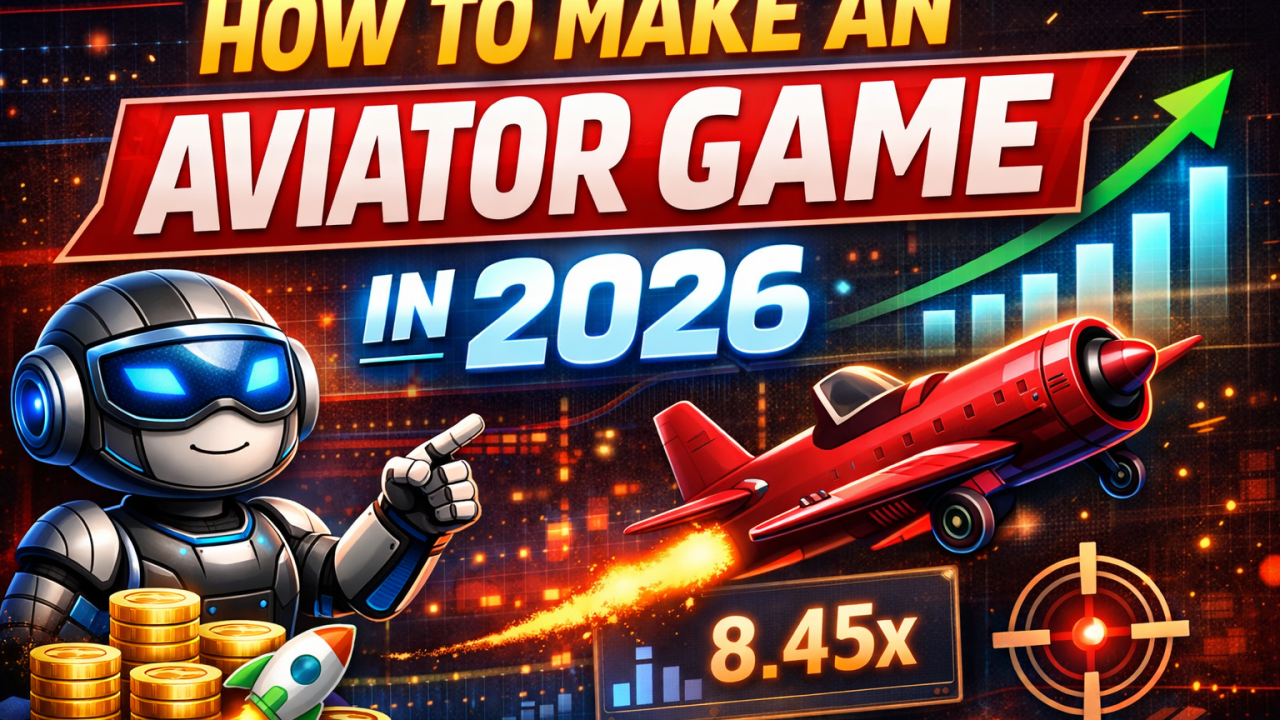
In 2026, building casual and arcade-style games has become easier than ever thanks to modern engines, AI tools, and cloud backends. One popular concept is the aviator-style flying game — a fast-paced experience where players control a plane, dodge obstacles, and chase high scores.
This guide walks you through how to design, develop, and launch your own aviator-style game from scratch.
🎮 What Is an Aviator-Style Game?
An aviator game is typically:
- Endless or level-based flying gameplay
- Increasing difficulty over time
- Simple controls (tap / swipe / keyboard)
- Score multipliers, boosters, or power-ups
- Bright visuals and satisfying animations
Think of it as a mix between arcade flying and endless runner mechanics.
🛠 Step 1: Choose Your Game Engine
In 2026, these engines dominate indie and mobile development:
✅ Unity
Best for mobile and casual games. Huge asset store, C# scripting, and strong community.
✅ Unreal Engine
Perfect for high-end visuals. Uses Blueprints or C++. Heavier, but extremely powerful.
✅ Godot
Lightweight and open-source. Great if you want full control and no licensing worries.
👉 Recommendation: For an aviator-style arcade game, Unity or Godot is usually the fastest route.
✈️ Step 2: Design Core Gameplay
Before coding, define:
Player Mechanics
- Plane movement (left/right/up/down)
- Speed increase over time
- Boost or shield system
Environment
- Infinite scrolling sky
- Random obstacles (clouds, towers, drones)
- Parallax background for depth
Scoring Logic
- Distance traveled
- Time survived
- Bonus pickups
Keep your first version simple. Complexity comes later.
🎨 Step 3: Create Visual Assets
You can:
- Design in Figma or Photoshop
- Buy assets from engine marketplaces
- Generate concepts using AI art tools
Focus on:
- Plane sprites / 3D models
- Explosions and trail effects
- UI (score, pause, restart)
Consistency matters more than realism.
💻 Step 4: Programming the Game
Key systems you’ll code:
Movement Script
Handles player input and plane physics.
Obstacle Spawner
Randomly generates obstacles at increasing difficulty.
Collision System
Detects crashes and triggers game-over.
Score Manager
Tracks distance and multipliers.
Most engines provide built-in physics and collision — use them instead of reinventing everything.
☁️ Step 5: Add Backend (Optional)
If you want online features like:
- Leaderboards
- User accounts
- Cloud saves
You can integrate:
- Firebase
- REST APIs with PHP or Node
- Simple MySQL databases
For single-player games, this step isn’t mandatory.
📱 Step 6: Export for Platforms
By 2026 standards, aim for:
- Android
- iOS
- WebGL (browser demo)
Unity and Godot both allow one-click builds once configured properly.
🚀 Step 7: Monetization (Ethical & Legal)
Avoid shady systems.
Safe monetization options:
- Ads between rounds
- Cosmetic skins
- Premium version (no ads)
Never hide mechanics or mislead players.
Long-term success comes from trust.
🧪 Step 8: Testing & Optimization
Test on:
- Low-end phones
- Different screen sizes
- Older OS versions
Fix:
- Frame drops
- Input lag
- Collision bugs
A smooth game beats a beautiful but laggy one.